| name | how-to-run-astro-ssr-and-pocketbase-on-the-same-server |
| description | Learn how to host PocketBase and an Astro SSR application on the same server, using PocketBase's Go integration and a reverse proxy to delegate requests to Astro for dynamic web content. |
| metadata | {"url":"https://rodydavis.com/posts/astro-ssr-pocketbase-single-server","last_modified":"Tue, 03 Feb 2026 20:04:35 GMT"} |
How to Run Astro SSR and PocketBase on the Same Server
In this article I will show you how to host PocketBase and Astro in SSR mode on the same server. PocketBase does let you render templates on the server but requires Go Templates or pre-building with Static Site Generation (SSG).
This could also be modified to use your web server or framework of choice (Next.js, SvelteKit, Qwik, Angular).
Before getting started make sure you have the latest version of Node and Go installed locally.
Getting started
In a terminal run the following to create the base project:
mkdir pocketbase_astro_ssr
cd pocketbase_astro_ssr
mkdir server
mkdir www
This will create the server and www folders in our project needed for both Astro and PocketBase.
Setting up the server
Create a file at server/main.go and update it with the following:
package main

import (
	"log"
	"net/http/httputil"
	"net/url"

	"github.com/labstack/echo/v5"
	"github.com/pocketbase/pocketbase"
	"github.com/pocketbase/pocketbase/core"
)

func main() {
    app := pocketbase.New()

    app.OnBeforeServe().Add(func(e *core.ServeEvent) error {
        proxy := httputil.NewSingleHostReverseProxy(&url.URL{
			Scheme: "http",
			Host:   "localhost:4321",
		})
		e.Router.Any("/*", echo.WrapHandler(proxy))
		e.Router.Any("/", echo.WrapHandler(proxy))
        return nil
    })

    if err := app.Start(); err != nil {
        log.Fatal(err)
    }
}
Here we are extending PocketBase with Go and taking advantage of the Echo router integration and using a reverse proxy to handle all requests not defined by PocketBase already and delegating them to Astro.
Next run the following in a terminal to install the dependencies:
go mod init server
go mod tidy
Now we can start the server and move on to the client:
go run main.go serve
You should see the following and note that this will run in debug mode so all the SQL statements will start to show:
2023/11/09 10:28:52 Server started at http://127.0.0.1:8090
├─ REST API: http://127.0.0.1:8090/api/
└─ Admin UI: http://127.0.0.1:8090/_/
Collections
Open up the Admin UI url and after creating a new admin user, create a new collection items and add the following metadata:
Column Name
Column Type
Column Settings
title
Plain Text
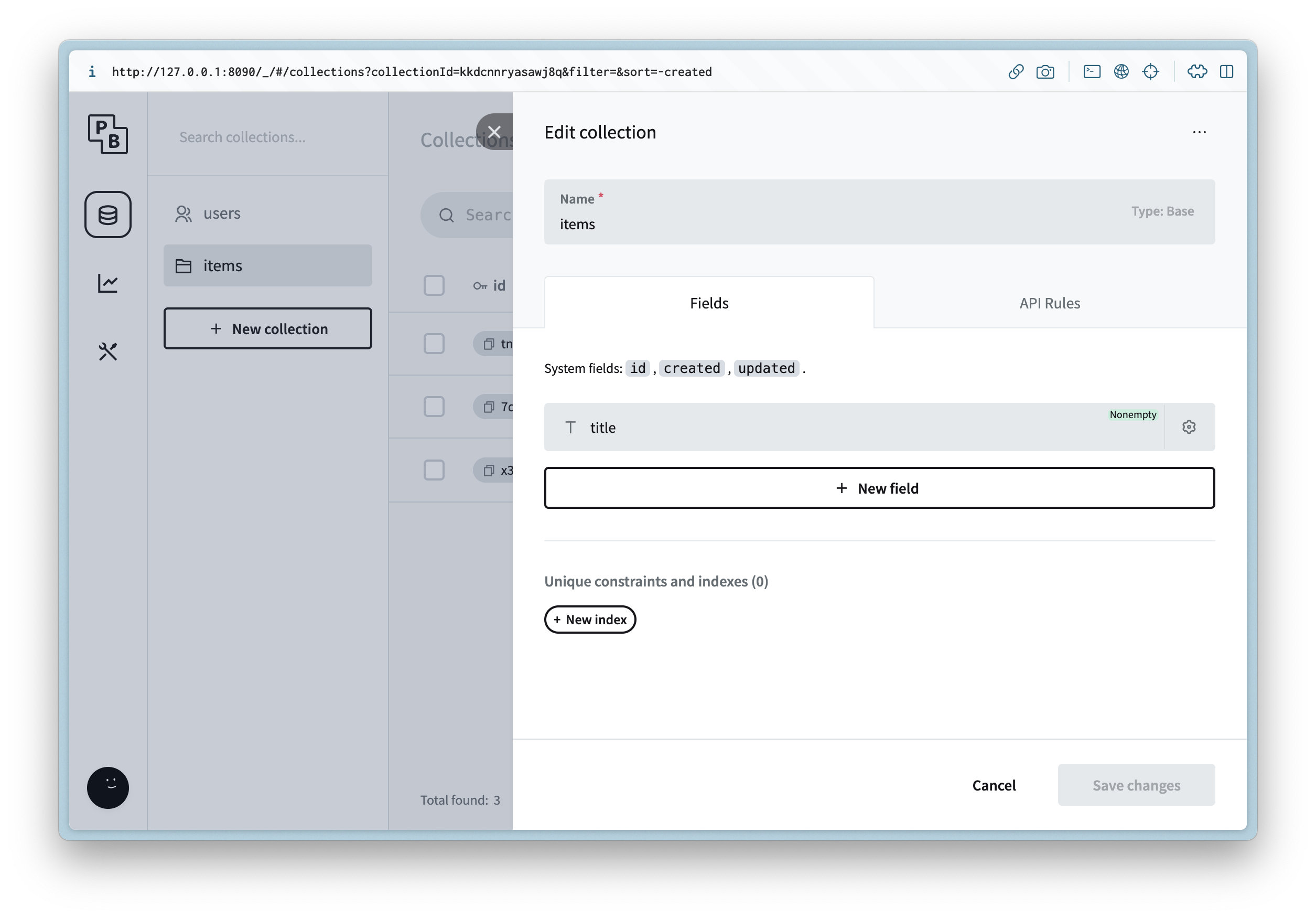
Then update the API Rules to allow read access for list and view.
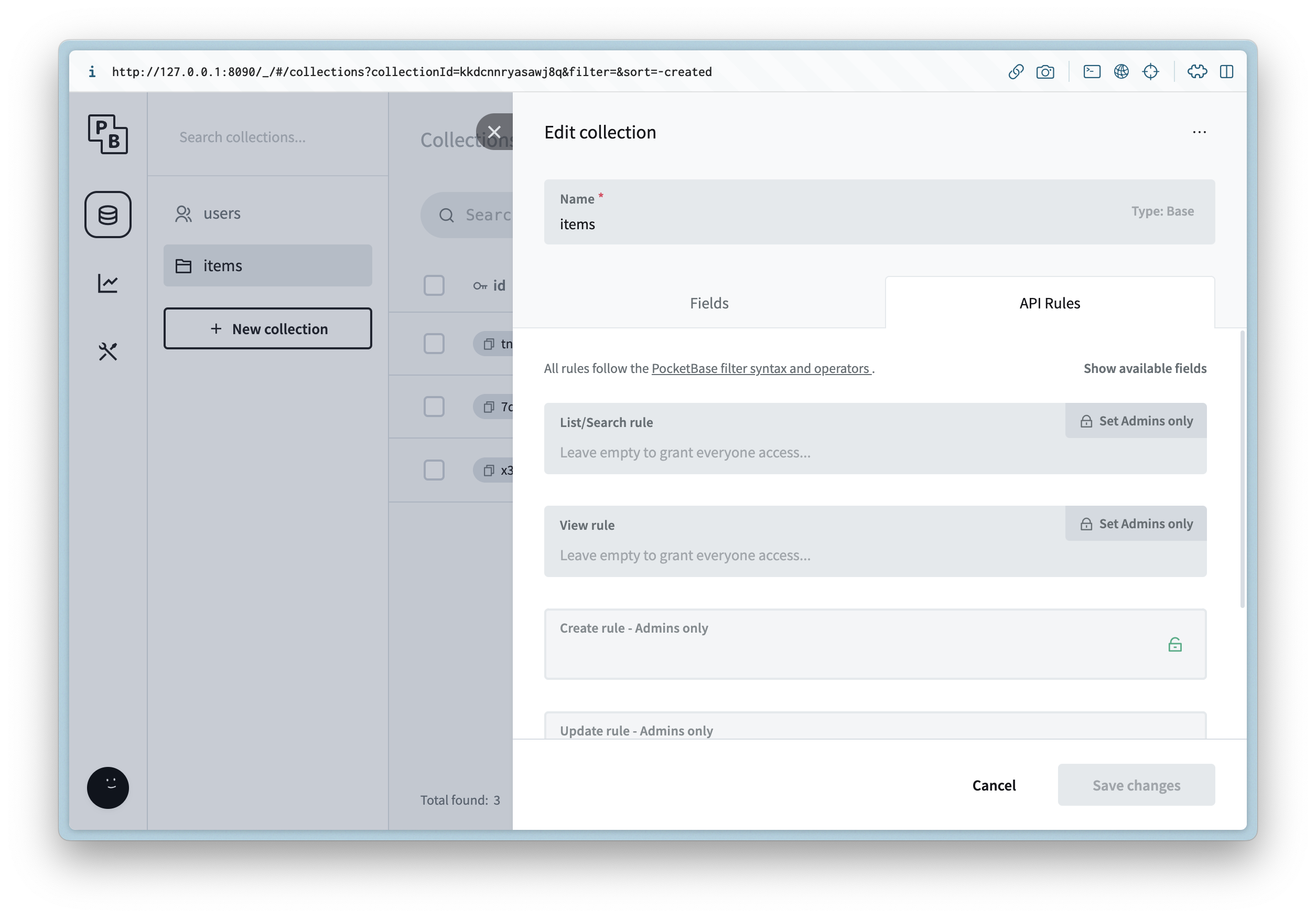
This is just for example purposes and on a production app you will rely on auth for ACLs
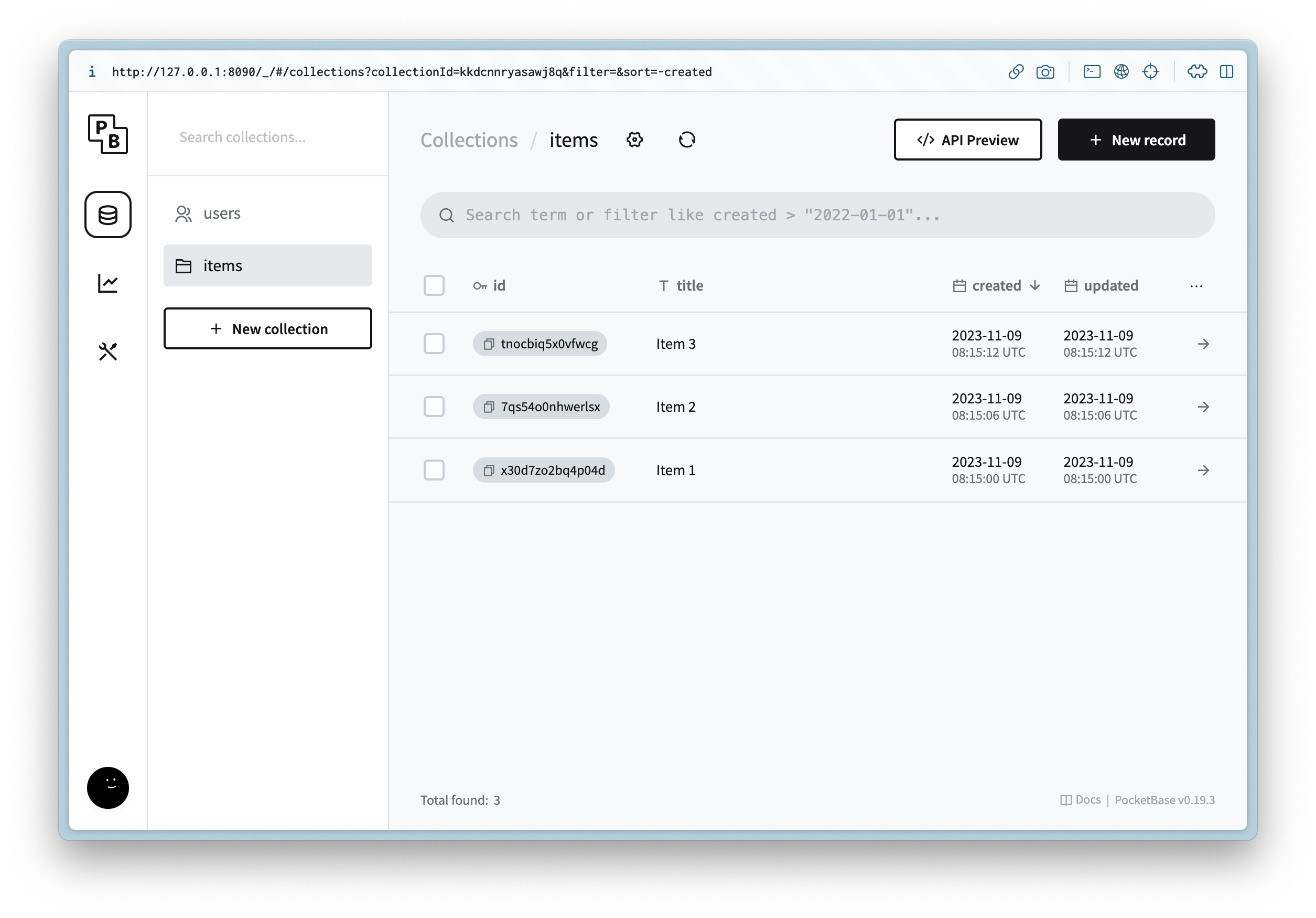
Create 3 new records with placeholder data.
Creating the client
Now we can create the client that will be used to connect to PocketBase and serve all of the web traffic.
Navigate to the www directory and run the following in a terminal:
npm create astro@latest
Follow the prompts and enter the following:
Question
Answer
Where should we create your new project?
.
How would you like to start your new project?
Empty
Install dependencies?
Yes
Do you plan to write TypeScript?
Yes
How strict should TypeScript be?
Strict
Initialize a new git repository?
No
You can of course customize this as you need, but next we can install the dependencies needed by running the following in a terminal:
npm i -D @astrojs/node
npm i pocketbase
Next update www/astro.config.mjs and update it with the following:
import { defineConfig } from "astro/config";
import nodejs from "@astrojs/node";

// https://astro.build/config
export default defineConfig({
  adapter: nodejs({
    mode: "standalone",
  }),
  output: "server",
});
This will use Server Side Rendering (SSR) instead of Static Site Generation (SSG) when we run the web server.
UI
Layouts
We can start by creating a shared layout for all the routes. Create a file at www/src/layouts/Root.astro and update it with the following:
---
interface Props {
  title: string;
}

const { title } = Astro.props;
---

<html lang="en">
  <head>
    <meta charset="utf-8" />
    <link rel="icon" type="image/svg+xml" href="/favicon.svg" />
    <meta name="viewport" content="width=device-width" />
    <meta name="generator" content={Astro.generator} />
    <title>{title}</title>
  </head>
  <body>
    <slot />
  </body>
</html>
Routes
Now we can update the index / route by updating the following file www/src/pages/index.astro:
---
import Root from "../layouts/Root.astro";

import PocketBase from "pocketbase";

const pb = new PocketBase("http://127.0.0.1:8090");
const items = pb.collection("items");
const records = await items.getFullList();
---

<Root title="Items">
  <h1>Items</h1>
  <ul>
    {
      records.map((record) => (
        <li>
          <a href={`/items/${record.id}`}>{record.title}</a>
        </li>
      ))
    }
  </ul>
</Root>
This will call the items collection on the server and render it with 0 JS on the client.
Next create a file www/src/pages/[...slug].astro and update it with the following:
---
import Root from "../layouts/Root.astro";

import PocketBase from "pocketbase";

const slug = Astro.params.slug!;
const id = slug.split("/").pop()!;

const pb = new PocketBase("http://127.0.0.1:8090");
const items = pb.collection("items");

const records = await items.getList(1, 1, {
  filter: `id = '${id}'`,
});

if (records.items.length === 0) {
  return new Response("Not found", { status: 404 });
}

const {title} = records.items[0];
---

<Root {title}>
  <a href="/">Back</a>
  <h1>{title}</h1>
</Root>
This is almost like before but now we can return a proper 404 response if not found for an item.
Running
Now we can run the web server with the following command:
npm run dev
You should see the following:
> dev
> astro dev

  🚀  astro  v3.4.4 started in 67ms

  ┃ Local    http://localhost:4321/
  ┃ Network  use --host to expose
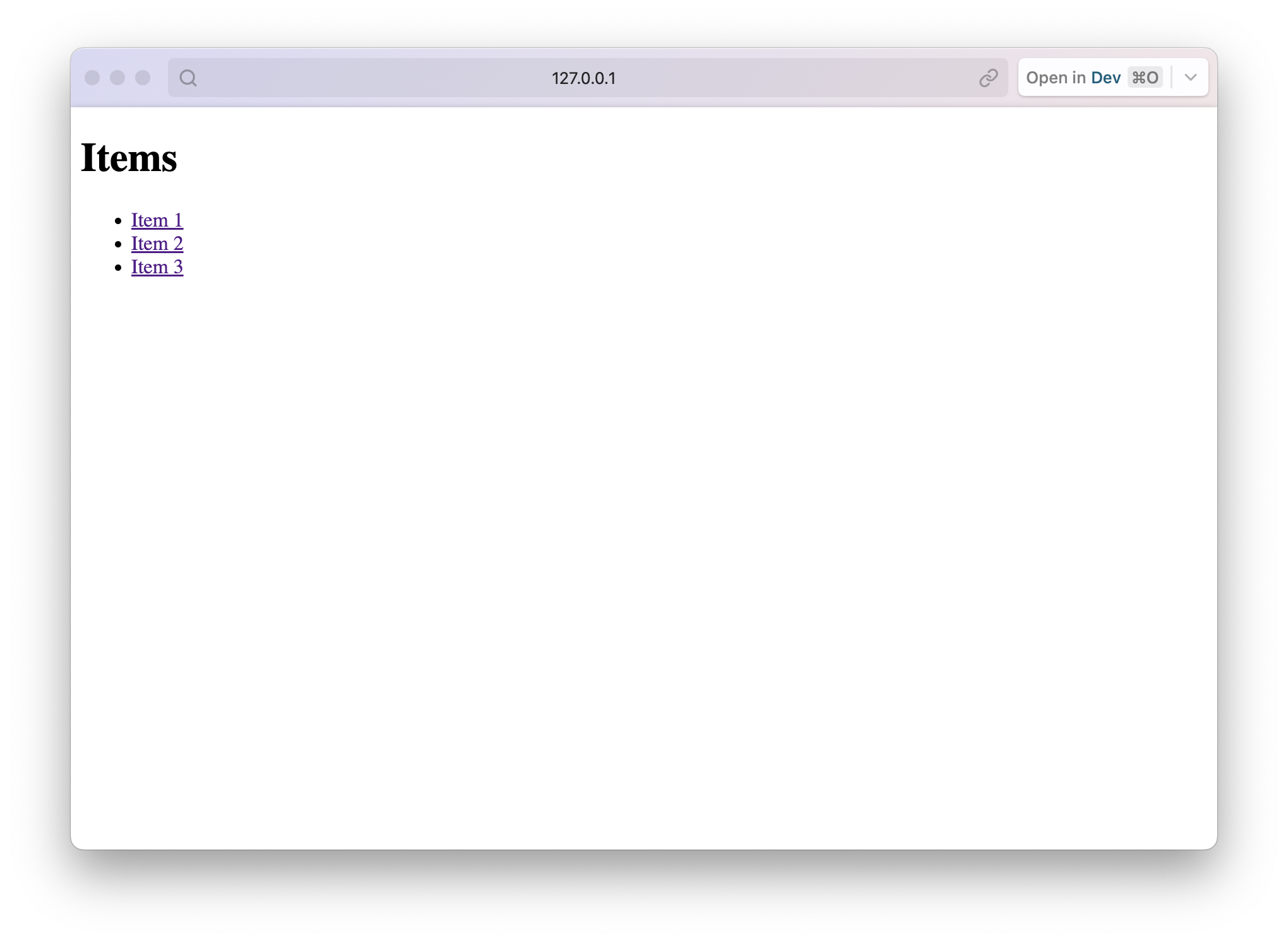
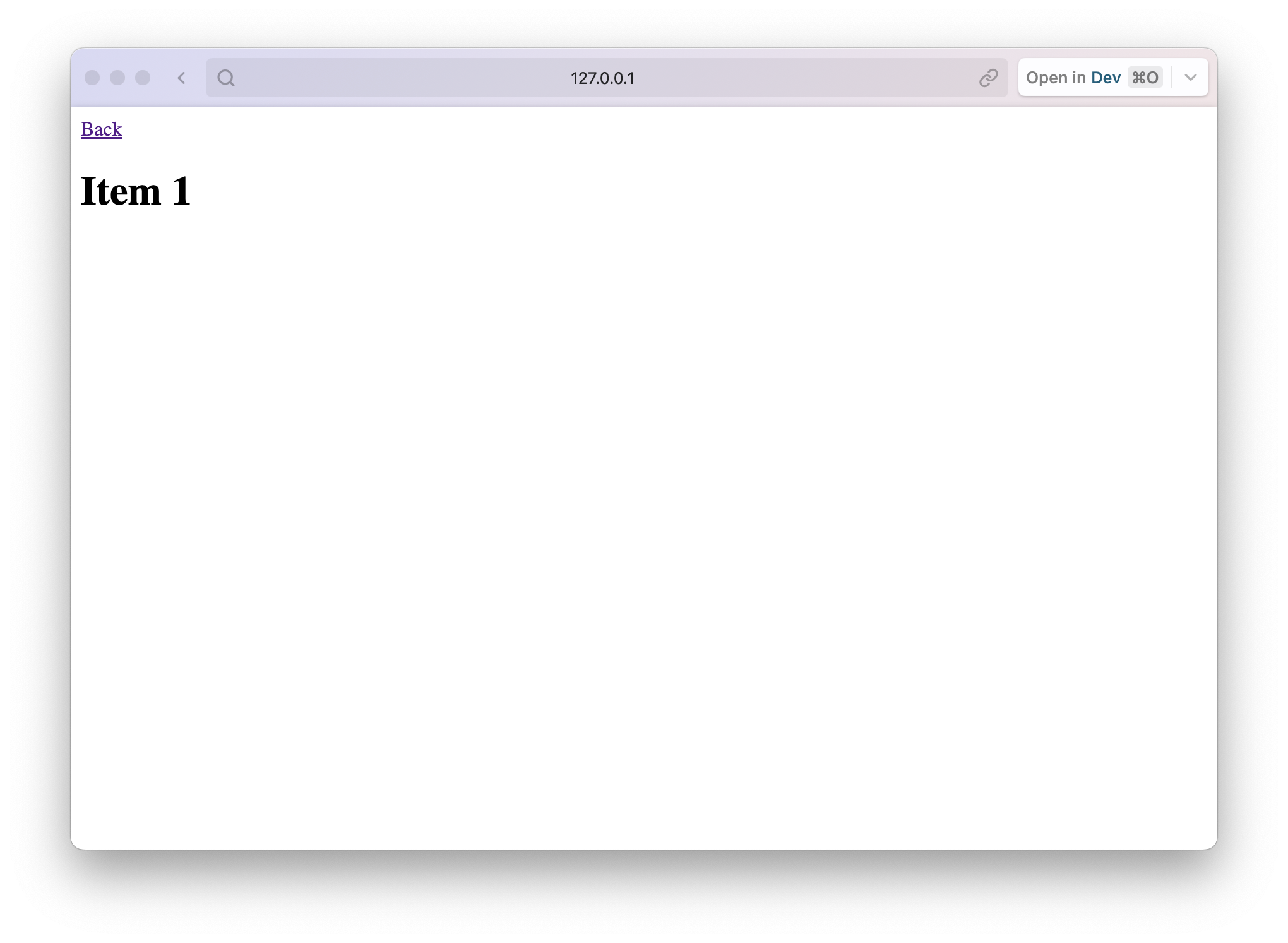
Then if we open up the PocketBase url http://127.0.0.1:8090 and you should see the following for the index route and detail routes:
Conclusion
Now you can build a new binary for both the server and client and deploy them both on the same server instance. 🎉
You can find the final code here.
