<p align="center">
<a href="https://framework.blackboard.sh/electrobun/"><img src="https://github.com/blackboardsh/electrobun/assets/75102186/8799b522-0507-45e9-86e3-c3cfded1aa7c" alt="Logo" height=170></a>
</p>
<h1 align="center">Electrobun</h1>
Build fast, compact, cross-platform desktop apps with TypeScript, Zig, Rust, Go,
or Odin.
## Get started
Install Hutch on **macOS or Linux**:
```sh
curl -fsSL https://hutch.blackboard.sh/hutch/install.sh | sh
```
Or on **Windows PowerShell**:
```powershell
& ([scriptblock]::Create((irm https://hutch.blackboard.sh/hutch/install.ps1)))
```
Then open the template picker. Restart your terminal first if `hutch` isn't found.
```sh
hutch electrobun init
```
Already use Bun or npm? You can start with either command instead:
```sh
bunx electrobun init
# or
npx electrobun init
```
Choose a template, then follow the
[Quick Start](https://framework.blackboard.sh/electrobun/guides/quick-start/#run-the-app)
to run your app.
## What is Electrobun?
Electrobun aims to be a complete **solution-in-a-box** for building, updating, and shipping fast, compact, cross-platform desktop applications written in TypeScript.
Hutch is the native build and workspace CLI. Bun is Electrobun's default JavaScript runtime. Cottontail is an experimental JSC-based alternative. Electrobun's platform layer combines Zig, Objective-C, and C++.
Visit <a href="https://framework.blackboard.sh/electrobun/">https://framework.blackboard.sh/electrobun/</a> to see api documentation, guides, and more.
Published templates include the Electrobun version they were tested with. Hutch
manages the SDKs and toolchains needed to build them. See the
[Hutch guide](https://framework.blackboard.sh/electrobun/guides/hutch/) for
project configuration and version management.
Hutch's built-in npm-compatible resolver installs JavaScript dependencies by
default and writes `hutch.lock`; `hutch pm exec` runs project-local package
binaries. A project's `hutch.config.ts` may instead select npm, Bun, pnpm, Yarn,
or a custom executable, and Hutch delegates package operations to that explicit
choice. Package management is independent of whether the app's main process
runs on Cottontail or Bun.
Don't miss our:
- self-extracting bundles that use Zstandard compression for compact distributables
- a Zig-optimized BSDIFF implementation that can produce kilobyte-scale updates
- `bundleCEF` flag to bundle and pin Chromium for those that want that tradeoff of consistency over file size
- `bundleWGPU` that lets you use Bun Typescript -> WGPU to control a native GPU surface without a webview
- Our Three.js and Babylon.js adapters that work directly in the Bun main process
- Our `<electrobun-webview>` and `<electrobun-wgpu>` HTML elements that let you composite isolated webviews and native GPU surfaces into your UIs
- so much more.
**Project Goals**
- Write typescript for the main process and webviews without having to think about it.
- Isolation between main and webview processes with fast, typed, easy to implement RPC between them.
- Small self-extracting app bundles when using the system webview
- Small updates that use binary patches before falling back to a compressed full download
- Provide everything you need in one tightly integrated workflow to start writing code in 5 minutes and distribute in 10.
## Apps Built with Electrobun
- [Dash](https://blackboard.sh/dash/) - desktop workspace for files, terminals, scripts, models, and agents across your machines
- [24agents](https://github.com/jhsu/24agents) - Hyperprompter
- [act-track-ai](https://github.com/IrdanGu/act-track-ai) - personal desktop productivity tracker
- [Agents Council](https://github.com/MrLesk/agents-council) - agent-to-agent MCP communication tool for feedback requests
- [ai-wrapped](https://github.com/gulivan/ai-wrapped) - Wrapped-style desktop dashboard for your AI coding agent activity
- [Audio TTS](https://github.com/blackboardsh/audio-tts) - desktop text-to-speech app using Qwen3-TTS for voice design, cloning, and generation
- [aueio-player-desktop](https://github.com/tuomashatakka/aueio-player-desktop) - beautiful, minimal cross-platform audio player
- [bestdiff](https://github.com/tesmond/bestdiff) - a git diff checker with curved connectors
- [burns](https://github.com/l3wi/burns) - a Smithers manager
- [cbx-tool](https://github.com/jebin2/cbx-tool) - desktop app for reading and editing comic book archives (.cbz/.cbr)
- [codlogs](https://github.com/tobitege/codlogs) - search and export local Codex sessions via CLI or desktop app
- [Codex Agents Composer](https://github.com/MrLesk/codex-agents-composer) - desktop app for managing your Codex agents and their skills
- [codex-devtools](https://github.com/gulivan/codex-devtools) - desktop inspector for Codex session data; browse conversations, search messages, and analyze agent activity
- [Cropped](https://www.cropped.app/) - desktop app for resizing, compressing, and cropping images and videos locally
- [Deskdown](https://github.com/guarana-studio/deskdown) - transform any web address into a desktop app in under 20 seconds
- [Dictate](https://github.com/siddhantparadox/dictate) - Windows dictation app with local and BYOK cloud transcription
- [dev-3.0](https://github.com/h0x91b/dev-3.0) - helps you not get lost while managing multiple AI agents across projects
- [DOOM](https://github.com/blackboardsh/electrobun-doom) - DOOM implemented in 2 ways: bun -> (c doom -> bundled wgpu) and (full ts port bun -> bundled wgpu)
- [dotlock](https://github.com/tsconfigdotjson/dotlock) - macOS desktop app for managing `.env` files across your projects
- [electrobun-pdf](https://github.com/GijungKim/electrobun-pdf) - local-first PDF & DOCX editor for opening, annotating, and exporting documents without leaving your machine
- [electrobun-rms](https://github.com/khanhthanhdev/electrobun-rms) - fast Electrobun desktop app template with React, Tailwind CSS, and Vite
- [FLACK](https://github.com/BLCK-B/FLACK) - local audio player for Windows
- [gloomberb](https://gloom.sh) - financial terminal for the rest of us
- [golb](https://github.com/chrisdadev13/golb) - desktop AI coding workspace built with React, Vite, and Tailwind
- [GOG Achievements GUI](https://github.com/timendum/gog-achievements-gui) - desktop app for managing GOG achievements
- [groov](https://github.com/laurenzcodes/groov) - desktop audio deck monitor
- [Guerilla Glass](https://github.com/okikeSolutions/guerillaglass) - open-source cross-platform creator studio for fast Record -> Edit -> Deliver workflows
- [Invoke](https://getinvoke.com) - macOS UI automation & shortcut platform
- [Marginalia](https://github.com/lars-hoeijmans/Marginalia) - a simple note taking app
- [MarkBun](https://github.com/xiaochong/markbun) - fast, beautiful, Typora-like markdown desktop editor
- [md-browse](https://github.com/needle-tools/md-browse) - a markdown-first browser that converts web pages to clean markdown
- [moop](https://github.com/zrubinrattet/moop/) - desktop app for batch image optimization for the web
- [Oursum](https://github.com/CarthyWorks/oursum) - private, offline-first personal expense tracker for importing, categorizing, and splitting transactions
- [Patchline](https://github.com/adwaithks/Patchline) - lightweight desktop Git client for reading patches and line diffs, then staging and committing changes
- [peekachu](https://github.com/needle-tools/peekachu) - password manager for AIs; store secrets in your OS keychain and scrub output so AI assistants never see actual values
- [PiBun](https://github.com/khairold/pibun) - desktop GUI for the Pi coding agent with chat, terminal, git integration, and plugin system
- [qCodelicious](https://github.com/rafaelsouzars/qcodelicious) - a simple code editor
- [Quiver](https://ataraxy-labs.github.io/quiver/) - desktop app for GitHub PR reviews, merge conflict resolution, and AI commit messages
- [Sideleaf](https://sideleaf.xyz/) - simple Markdown and text editor with previews and notes
- [StoryForge](https://github.com/StoryForgeApp/StoryForge) - desktop app for Vintage Story players to switch between game versions, modpacks, servers, and accounts
- [tokenpass-desktop](https://github.com/b-open-io/tokenpass-desktop) - desktop app that runs the Sigma Identity stack locally for Bitcoin-backed authentication
- [Toonflow](https://github.com/HBAI-Ltd/Toonflow-app) - AI video creation app with scriptwriting, storyboarding, and image and video generation on an infinite canvas
- [VibesOS](https://github.com/popmechanic/VibesOS) - A GUI for Claude Code that makes it easy to vibe code simple, un-hackable apps
- [VoiceVault](https://github.com/PJH720/VoiceVault) - AI-powered voice recorder with transcription, summarization, and RAG search
- [warren](https://github.com/Loa212/warren) - open-source, peer-to-peer terminal mesh for accessing your machines from any device without SSH keys or config files
- [whatsapp-reminder](https://github.com/FatahChan/whatsapp-reminder) - managed scheduled WhatsApp messages
### Video Demos
[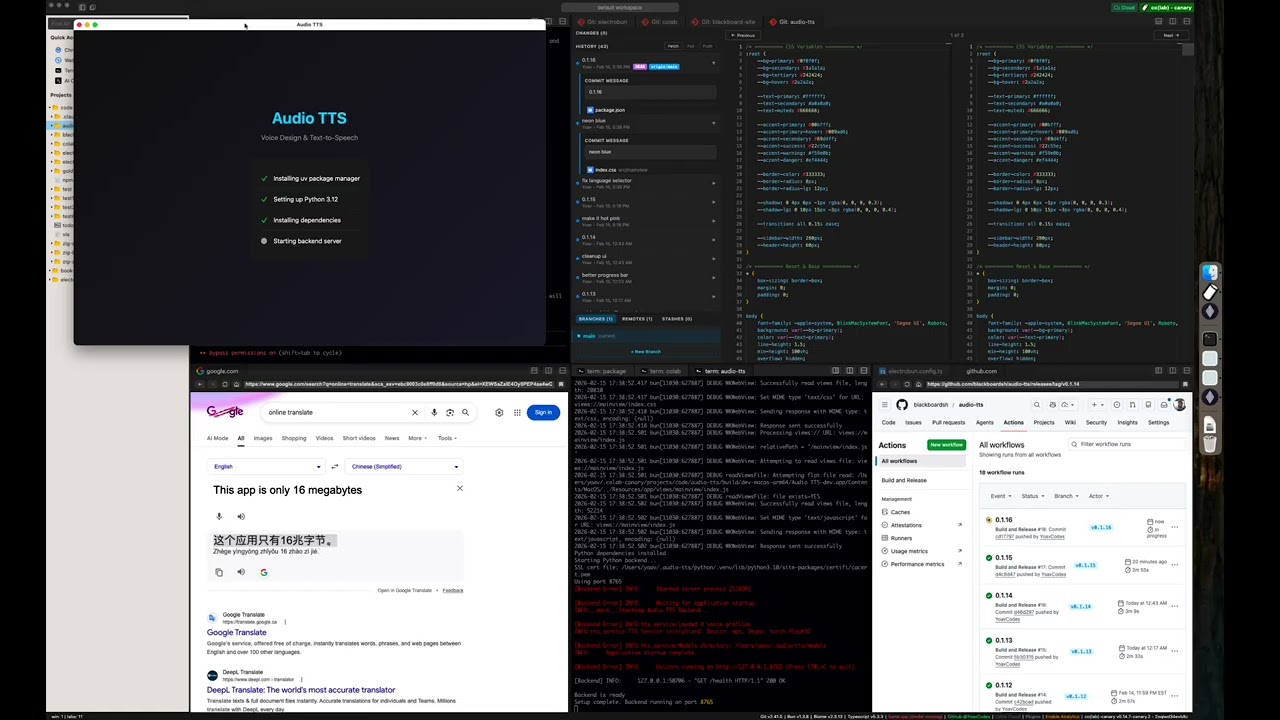](https://www.youtube.com/watch?v=Z4dNK1d6l6E)
[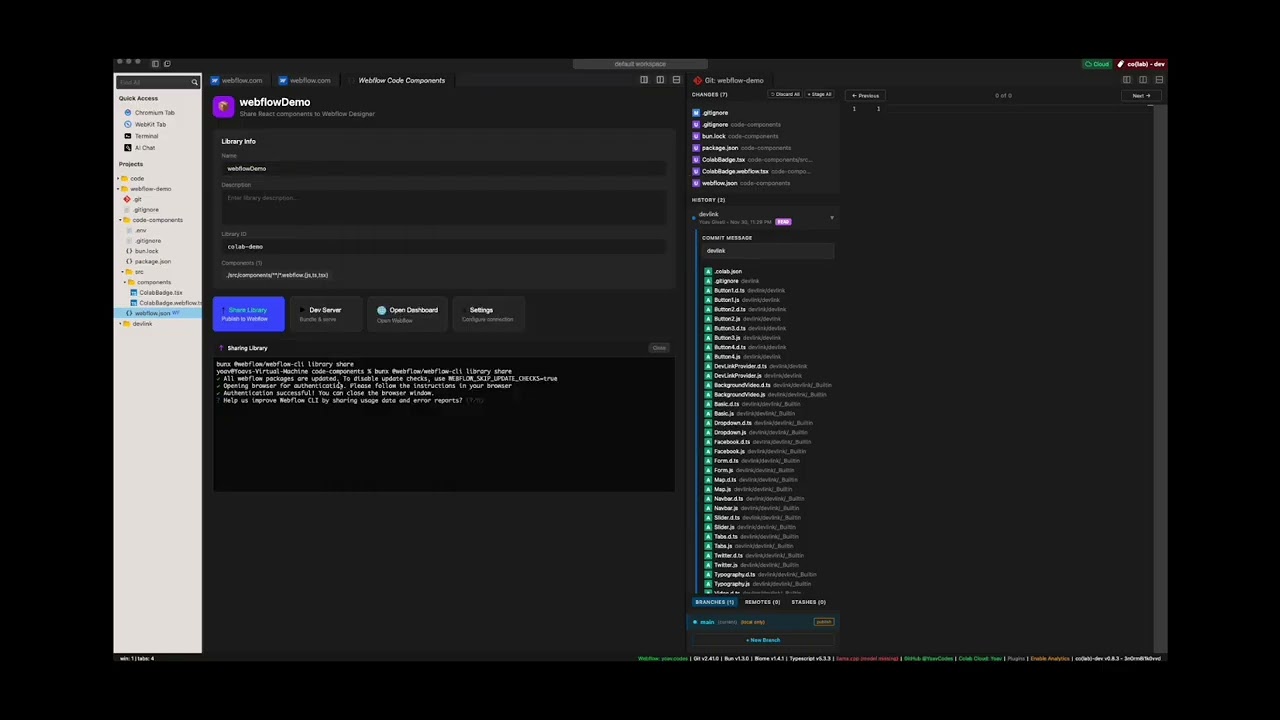](https://www.youtube.com/watch?v=WWTCqGmE86w)
[](https://x.com/YoavCodes/status/2028499038148903239?s=20)
## Star History
<p align="center">
<img src="./.github/assets/star-history-v1.jpg" alt="Electrobun star history four weeks after the v1 launch">
<br>
<em>star history 4 weeks after v1 launch</em>
</p>
## Contributing
Electrobun is one piece of a vision I'm building. I'm optimizing for focus and execution. Issues and PRs can be used to share ideas, but there should be no expectation that I will review, respond to, or merge them.
Ways to get involved:
- Read the [Contribution guidelines](./CONTRIBUTING.md)
- Follow us on X for updates <a href="https://twitter.com/BlackboardTech">@BlackboardTech</a> and <a href="https://twitter.com/YoavCodes">@YoavCodes</a> or on bluesky <a href="https://bsky.app/profile/yoav.codes">@yoav.codes</a>
- Join the conversation on <a href="https://discord.gg/ueKE4tjaCE">Discord</a>
- Create and participate in Github issues and discussions
- Let me know what you're building with Electrobun
## Development Setup
Building apps with Electrobun is as easy as installing Hutch and running `hutch electrobun init`.
**This section is for building Electrobun from source locally in order to contribute fixes to it.**
### Prerequisites
Install Hutch globally before building Electrobun:
```bash
curl -fsSL https://hutch.blackboard.sh/hutch/install.sh | sh
```
On Windows PowerShell:
```powershell
& ([scriptblock]::Create((irm https://hutch.blackboard.sh/hutch/install.ps1)))
```
**macOS:**
- Xcode command line tools
- cmake (install via homebrew: `brew install cmake`)
**Windows:**
- Visual Studio Build Tools or Visual Studio with C++ development tools
- cmake
**Linux:**
- build-essential package
- cmake
- webkit2gtk and GTK development packages
On Ubuntu/Debian based distros: `sudo apt install build-essential cmake pkg-config libgtk-3-dev libwebkit2gtk-4.1-dev libayatana-appindicator3-dev libpipewire-0.3-dev librsvg2-dev`
Linux applications also require the corresponding GTK 3, WebKitGTK 4.1,
Ayatana AppIndicator, and librsvg runtime packages on end-user systems. See the
[cross-platform development guide](./docs/src/content/docs/electrobun/guides/cross-platform-development.mdx#linux)
for distro-specific install commands. The launcher reports the exact missing
shared library when these dependencies are unavailable.
Wayland screen-region capture additionally requires a working desktop portal,
PipeWire, and the `libpipewire-0.3.so.0` runtime library (provided by
`libpipewire-0.3-0`, or `libpipewire-0.3-0t64` on newer Ubuntu/Debian releases).
### First-time Setup
```bash
git clone --recurse-submodules https://github.com/blackboardsh/electrobun.git
cd electrobun/package
npm ci
hutch dev:clean
```
### Development Workflow
```bash
# All commands are run from the /package directory
cd electrobun/package
# After making changes to source code
hutch dev
# Exercise one repository template against the same local package/dist
hutch dev:template hello-world
# If you need a completely fresh start
hutch dev:clean
```
`hutch dev` builds `package/dist` and runs Kitchen against that local
Electrobun devkit. Running `hutch dev` directly from `kitchen/` continues to
use the Electrobun version pinned in `kitchen/hutch.config.ts`.
`hutch dev:template <template-name>` builds the same local devkit, runs the
template's configured dependency installation, and starts its `dev` task against
those local bytes. Repository templates stay unpinned for this workflow; the
release publisher injects the shipped Electrobun version into each staged
template archive.
The native build generates `package/src/native/compile_flags.txt` from the
compiler flags resolved for the current machine. clangd-compatible editors
discover it automatically; rerun the build after changing native dependencies
or system toolchains.
With sibling `jsc`, `cottontail`, `dash-cloud`, and `electrobun` checkouts, use
`--local` to additionally build and select the local JSC, Cottontail, and Hutch
layers:
```bash
hutch dev --local
```
The first Hutch is globally installed. Stack preparation explicitly selects the
completed local Hutch engine and Cottontail build for the remainder of the
command.
### Additional Commands
All commands are run from the `/package` directory:
- `hutch dev:canary` - Build and run kitchen sink in canary mode
- `hutch dev:template <template-name>` - Build and run one template against the local devkit
- `hutch build:dev` - Build Electrobun in development mode
- `hutch build:release` - Build Electrobun in release mode
### Debugging
**macOS:** Use `lldb <path-to-bundle>/Contents/MacOS/launcher` and then `run` to debug release builds
## Platform Support
| OS | Status |
|---|---|
| macOS 14+ (Apple Silicon and Intel x64) | Official |
| Windows 11+ x64 | Official |
| Windows 11+ ARM64 | Beta |
| Ubuntu 24.04+ | Official |
| Other Linux distros (gtk3, webkit2gtk-4.1) | Community |
| Raspberry Pi | Unofficial fork: [kortexa-ai/electrobun (linux-wpe)](https://github.com/kortexa-ai/electrobun/tree/kortexa/linux-wpe) — follow the author [@francip](https://x.com/francip/status/2050149256053539059?s=20) |
Windows ARM64 supports JavaScript, Zig, Rust, and Go main processes with the
system webview or CEF. Odin is currently unavailable on this target.